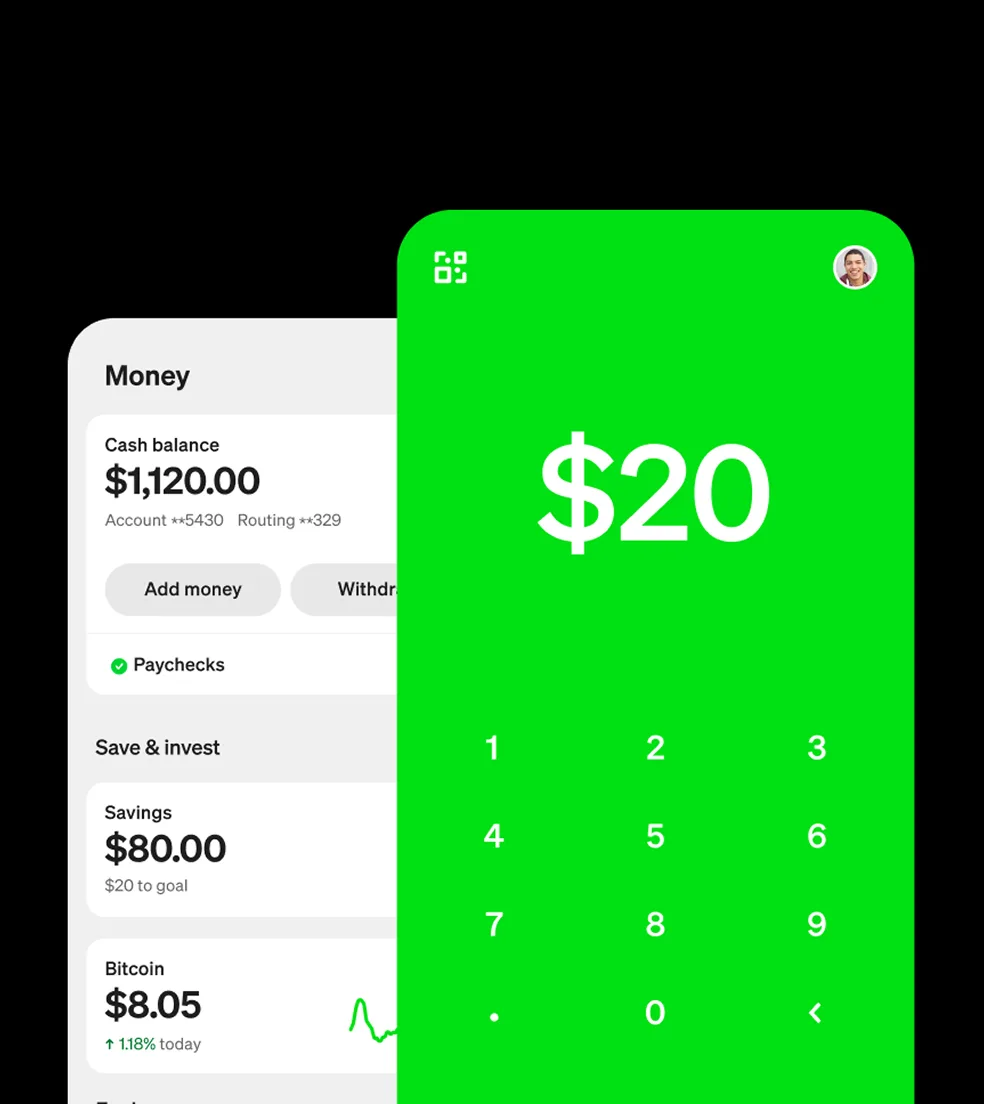
What is Cash App
Cash App is a digital wallet for American consumers. Launched by Block, Inc., in 2013, it allows users to send, receive, and save money; access debit cards; invest in stocks and bitcoin; apply for personal loans; and file taxes. As of 2024, Cash App reports 57 million users and $283 billion in annual inflows.
How does Cash App work?
Cash App offers the following services and features:
Tax filing: With Cash App Taxes, users can file their state and federal taxes for free with a maximum refund guarantee.
Money transfers: Users can send and receive money, as well as transfer the money they have in their Cash App account to a linked bank account. Sending and receiving money is free. Standard transfers also charge no fees and take one to three business days to complete. An instant transfer is also an option, but it costs 0.50% to 1.75% of the transfer amount, with a minimum fee of $0.25.
Cash Card: Cash App offers a free Visa debit card linked to the user’s Cash App balance. Cardholders can use the Cash Card at ATMs for $2 per withdrawal (unless they set up direct deposit) or to make purchases online and in stores.
Cash App Pay: Cash App can also serve as a payment method to pay for purchases online or in person at Square Sellers and select merchants.
Discounts: Cash Card holders can access Boosts — instant discounts from eligible retailers and restaurants. You can only activate one Boost at a time but can change which one that is without any restrictions.
Direct deposit: Users can deposit paychecks and tax returns into their Cash App account.
Savings: The app allows users to put money in savings from their linked payment source or Cash App balance without fees or minimum balance requirements. Those with an activated Cash Card can also set up Round Ups for Savings to automatically round up card transactions and add the spare change to the savings balance. Note that the savings feature doesn’t earn any interest, unlike traditional or high-yield savings accounts.
Investing: Cash App Investing lets users buy stocks or ETFs using the money in their Cash App account (and a linked debit card if the funds are insufficient for the purchase). Users can also sell the stocks and ETFs they own on Cash App and have the amount of sale added to their app balance. The platform doesn’t charge a commission fee.
Bitcoin: Another service Cash App provides is buying, selling, sending and receiving Bitcoin. Sending and receiving Bitcoin is free, but the platform can charge fees for buying and selling. Additionally, users who have set up direct deposit can opt to set aside a percentage of their paycheck in Bitcoin.
How to use Cash App
To use Cash App, you need to download the app, which is available for both iOS and Android. After setting up your account, you can connect it to your bank account to start using the platform. You can also link your Visa, MasterCard, American Express and Discover debit and credit cards. However, if you use a credit card as a payment method, Cash App may charge a processing fee.
You’ll also be prompted to create a username. Each individual and business using Cash App has a username that you use to send or request funds. Alternatively, you can search by name, email address or phone number.
How to add money to Cash App
If you need to add funds to your Cash App balance — for example, to make a purchase with your Cash Card — head to the “Money” tab on the app’s home screen. Press “Add Cash” and follow the prompts to choose an amount you want to deposit.
Is Cash App safe?
Cash App is a secure platform and uses encryption and fraud-detection technology. This means that even if you’re using the app on public Wi-Fi, all the information you submit is encrypted and safely shared with Cash App’s servers. Plus, the app uses additional safety features, such as PIN entry, Face ID and Touch ID.
If you have the Cash Card and keep money in your Cash App account, the funds are covered by the Federal Deposit Insurance Corporation (FDIC) for up to $250,000 per customer. Your investing balances are also protected by the Securities Investor Protection Corporation (SIPC).
Even with all the security measures, it’s best to stay vigilant to avoid scams. CashApp payments are instant and typically can’t be canceled or reversed. Only send funds to people and businesses your trust and double-check all the information before sending money so that it goes to the correct person. And finally, don’t share any personal information like your sign-in code or bank account details with anyone, even if the person is claiming to be working for the platform. Cash App will never ask you for this information or request that you download an app for remote access or complete any kind of transaction or payment.
Is Cash App worth it?
With so many features, Cash App has plenty to offer. From sending and receiving money, to accessing discounts, to buying Bitcoin, it’s a powerful financial platform.