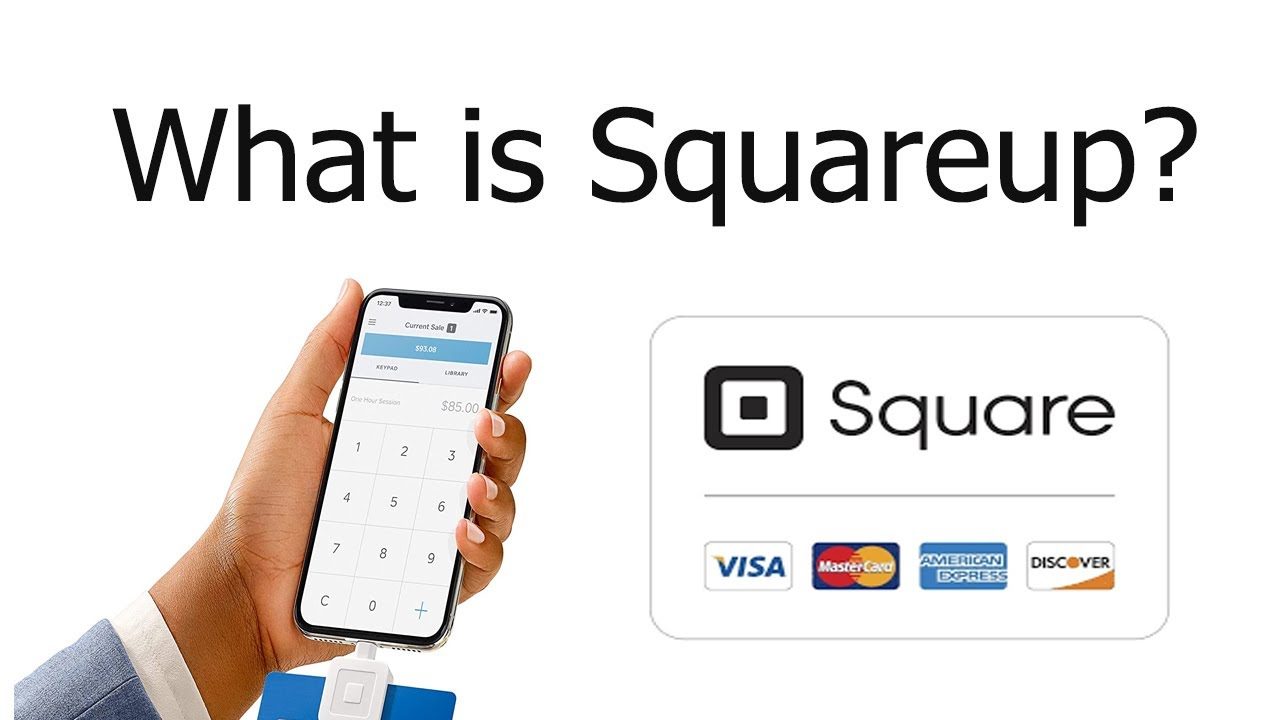
What is Square?
Square is a point-of-sale (POS) system and payment processing platform. It’s an all-in-one solution, meaning you typically can’t mix-and-match the Square POS system with another payment processor, or vice versa.
Square’s POS system is extremely user-friendly, featuring prebuilt software with an intuitive app interface and dashboard that you can access on desktop or through Square’s mobile app. The POS system, which offers an impressively comprehensive free version as well as paid add-ons, offers features to support virtually any type of business. It bundles restaurant features, client-focused features for service businesses and great online checkout features for e-commerce.
Square’s Standout Features
Square’s payment system includes a comprehensive POS platform and payment processor, organized into a user-friendly dashboard. The free subscription includes all the tools you need to begin accepting payments securely, with a solid breadth of features like inventory management and online checkout.
Here are some of Square’s most important features:
Comprehensive App Dashboard and Sales Analytics
You can access all Square POS and payment processing features, and set everything up, from the central dashboard on desktop or mobile. The dashboard guides you through setting up your inventory and tracks all your transactions, with all key functionality organized in the left-hand menu.
The “Transactions” tab lets you track your selling history and tons of other data about your profits, customer trends and bestselling items. Sara Golding, owner of Sunny Girl Sundries, a handcrafted candle company, notes that Square’s data analytics are one of her favorite things about it. “Square provides us with SKU-level accuracy in our sales reporting to help us see what our top-selling items are, as well as the ones we want to discontinue. It is great about showing us how many repeat customers we have. This guides us in our marketing to know if we need to do more to nurture existing clients, or reach out to gain new ones,” she says.
Inventory Management
Square’s software lets you organize and record your product inventory with detailed item descriptions and images. You can sort items into categories and customize customer checkout with modifiers, such as the option to change price based on the selected color, version or add-ons. Many Square devices, and even your phone with the Square mobile app, can act as bar code scanners that update your inventory stock counts.
In-store staff can access your inventory on a tablet or card terminal, processing customer payments easily. When you sell an item, your synced online and in-store inventories automatically update. You can set auto-reorders that trigger when you reach certain low-point thresholds.
Online Storefront and E-Commerce
Square’s online storefront features are some of my favorites of any POS provider, mainly because they’re so easy to use. The free version gives you some template options and lets you set up a decent online store, but the paid Square Plus plan unlocks a complete website design tool. You can choose from a wide selection of templates and themed design tools to create branded checkout and landing pages that integrate with your website. Your site can sync with your inventory, client booking calendars and restaurant menu for customers to purchase items or make reservations directly from your website.
Service-Based Features
If your business offers a service—such as a beauty salon, tutoring and education, coaching, training or caretaking—Square has excellent features to keep you organized. Your clients can book appointments directly through your website or app, which will autopopulate your synced calendars. You can set up bookings by rooms, stations or staff members so the booking schedule matches your business setup.
Square lets you embed upfront payment, no-show fees and no-show protection into your payment system to help protect against flaky clients. You can also take advantage of Square’s text and email tools for automated confirmations and reminders.
Square POS Hardware
Square has some of my favorite hardware of any POS system, including low-cost card readers, impressive handheld scanners and countertop kiosks. These devices sync with Square’s payment processing, POS software and each other for a flexible and interconnected payment system.
Here are some of Square’s standout hardware devices:
- Magstripe card reader ($10): A tiny, mobile card reader that plugs directly into your phone. The most cost-effective card reader I have seen.
- Square handheld ($399): Slightly larger than an iPhone, a pocket-sized device with a large screen that has basically everything built-in: camera, bar code scanner, payment acceptance and inventory management. Servers can use it to record customer orders.
- Register ($799): A complete countertop digital register, with server-facing and customer-facing screens. Works great to accept payments, take orders and request tips.
- Self-service kiosk ($149): A swiveling iPad-based device that can be wall-mounted, placed on a stand or situated on a countertop, enabling customers to select from menu options, customize their orders and pay.
As a free POS system and payment processor, Square is one of the most user-friendly and comprehensive payment solutions you’ll find. Some alternative POS platforms charge over $100 monthly, so Square’s free monthly subscription makes it a great low-risk option. If your business heavily utilizes an online or e-commerce component, I think the $29 monthly for Square Plus is worth it, due to the extensive website customization options it includes.
It also has some of the most cost-effective hardware I’ve ever seen. The $10 reader is an excellent deal, especially when you consider that many other POS systems’ cheapest card readers start at $70 or more.
While Square is a good value overall, its main drawback is its relatively high transaction fees. Some POS systems charge higher fees, but I’d consider Square’s processing rates to be slightly higher than the average. If you’re looking to keep transaction costs as low as possible, I’d recommend an alternative like Helcim.